
Operations
Flight Operations
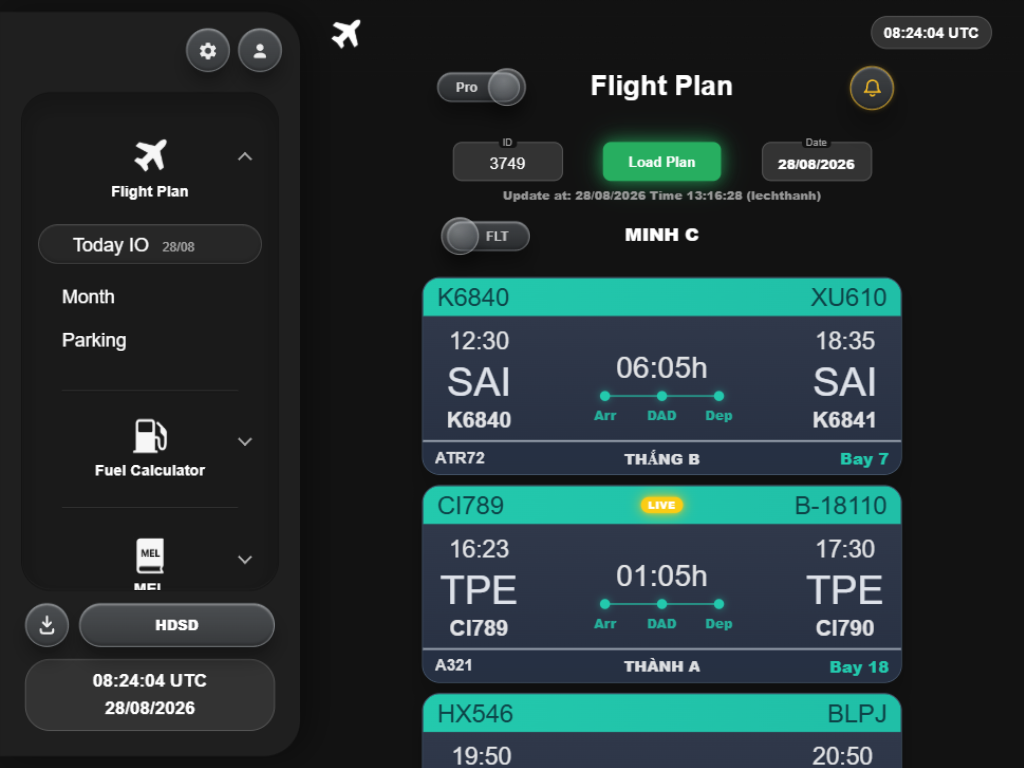
Review daily and monthly flight plans from a consistent operational workspace.
Technical operations, connected
Flight schedule, fuel tools, technical references and team coordination, built for VAECO operations.
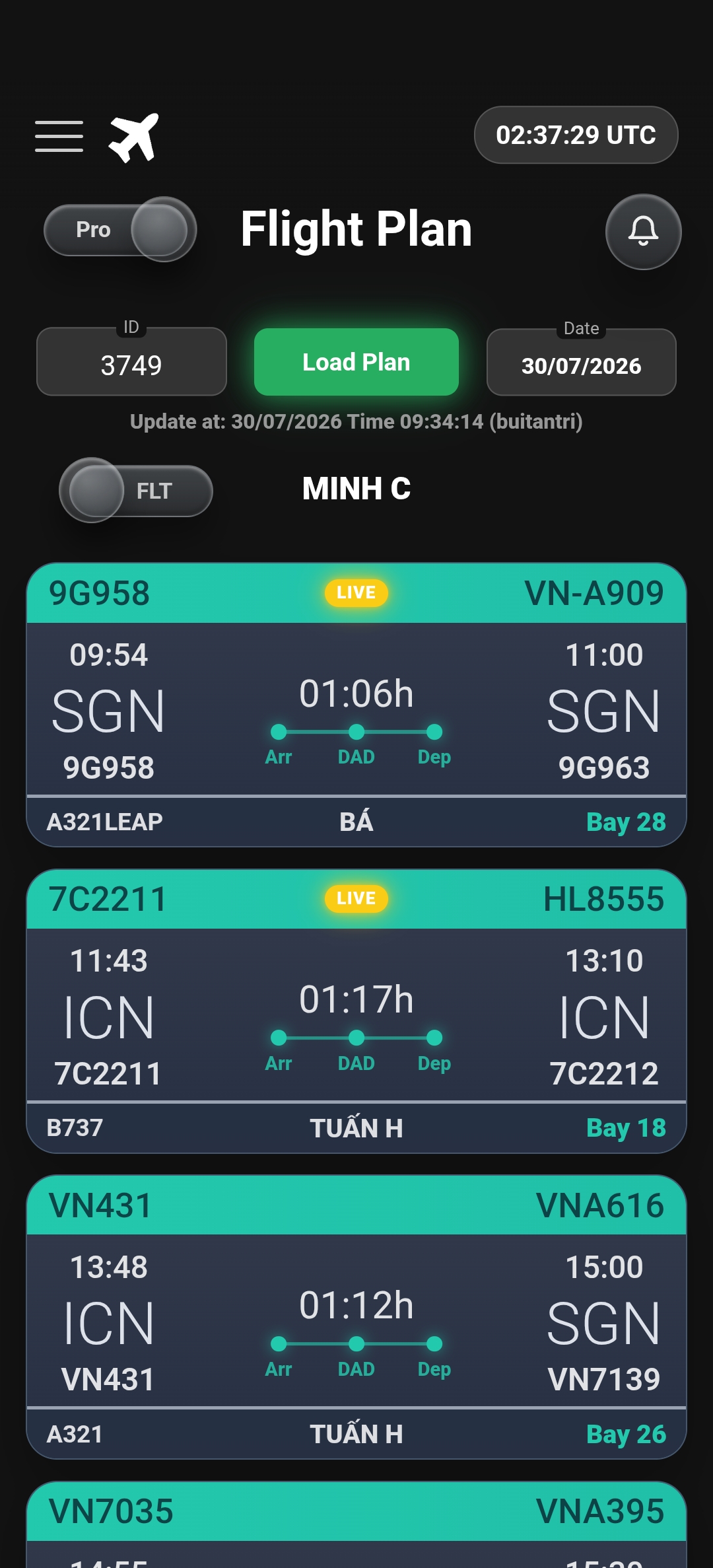
Focused workflows bring daily decisions, references and coordination into one clear entry point.
Operations
Review daily and monthly flight plans from a consistent operational workspace.
Planning
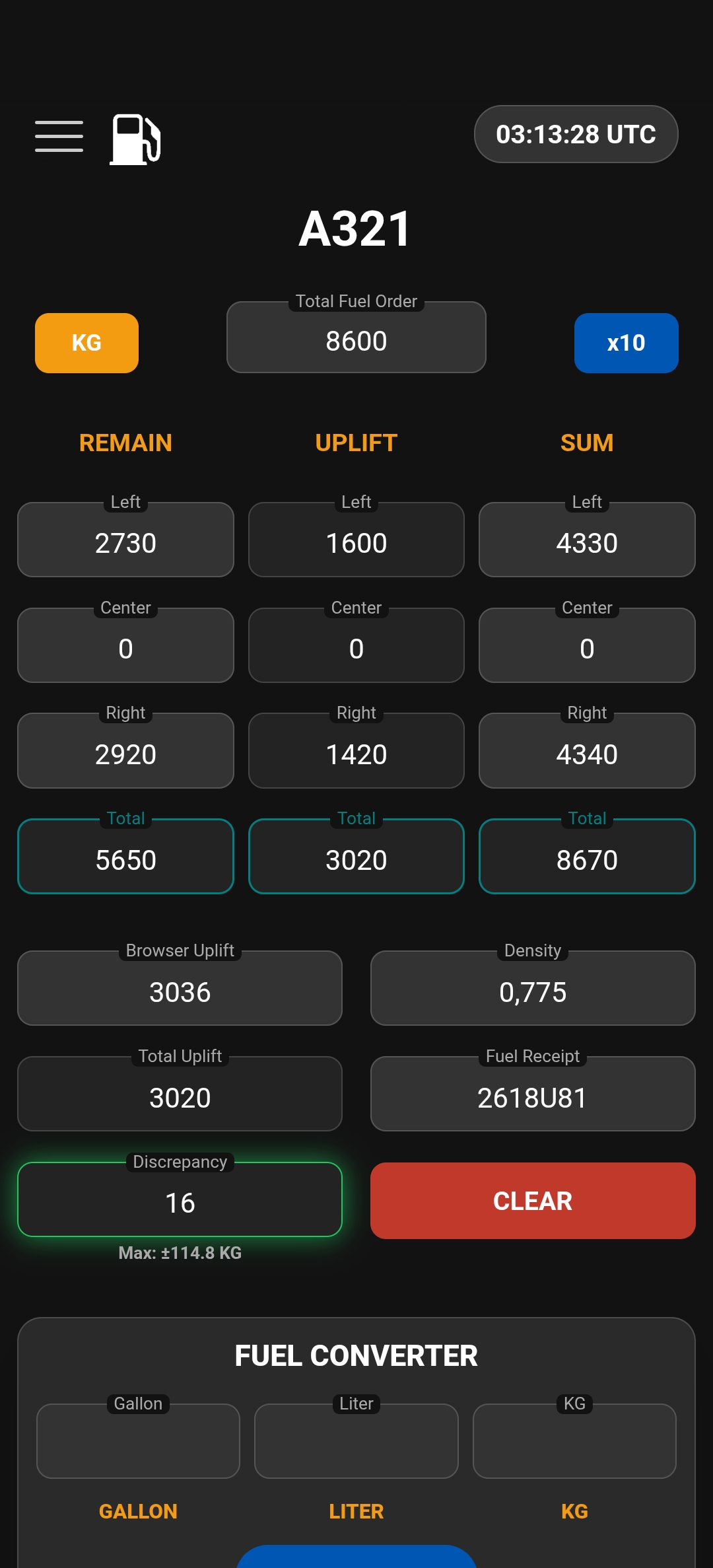
Open aircraft-specific calculators without losing the context of the job.
Reference
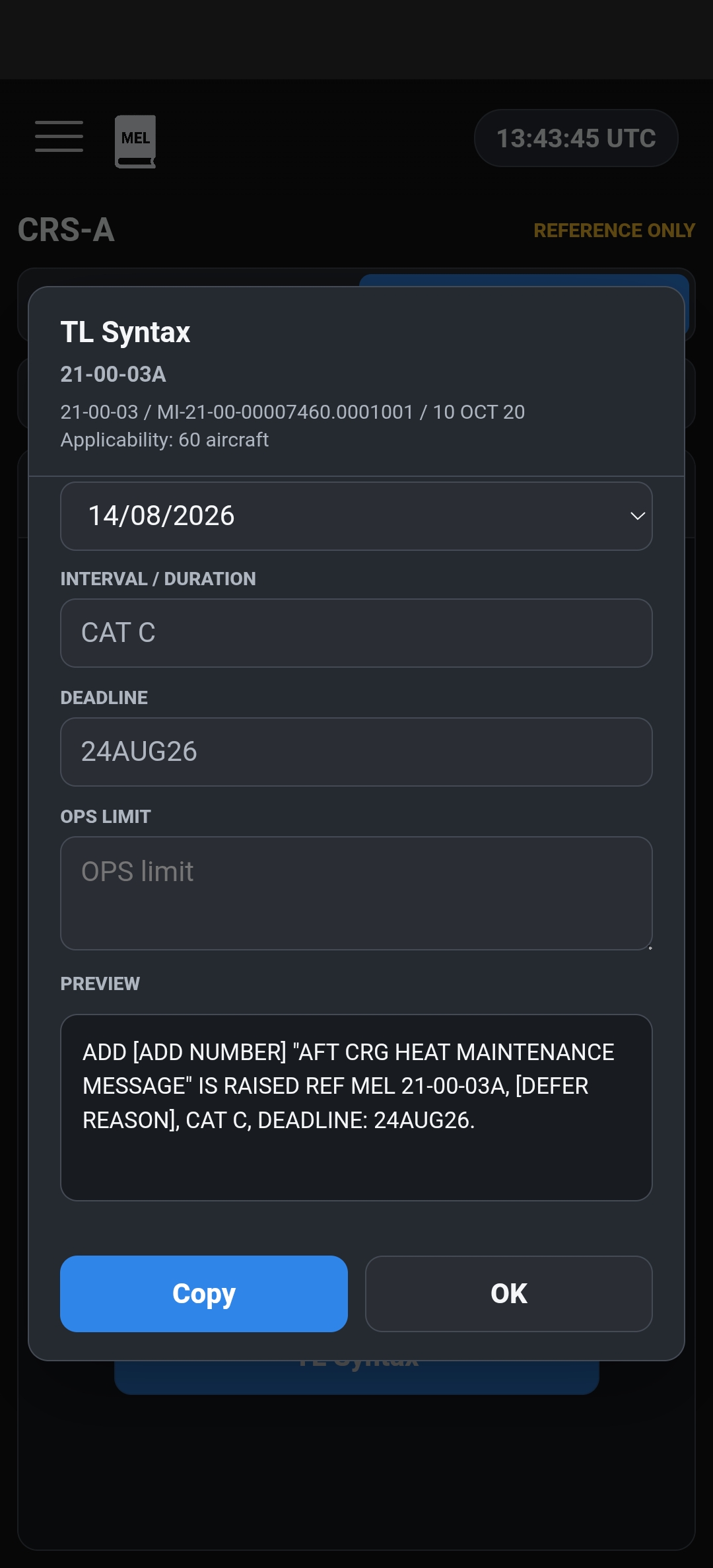
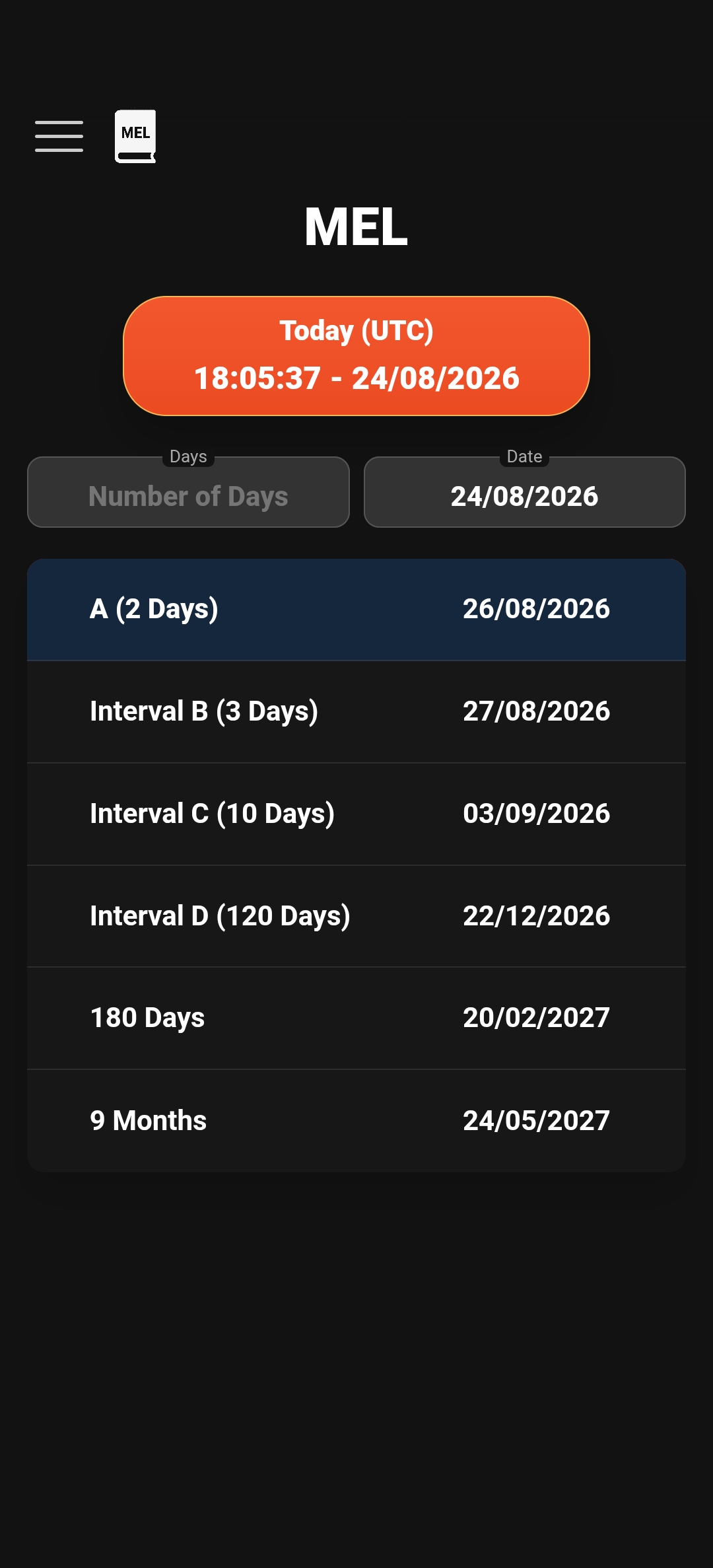
Move from checklist to maintenance reference with less searching and fewer disconnected steps.
Coordination
Keep handovers, personnel access and VAECO Portal within the same familiar hub.
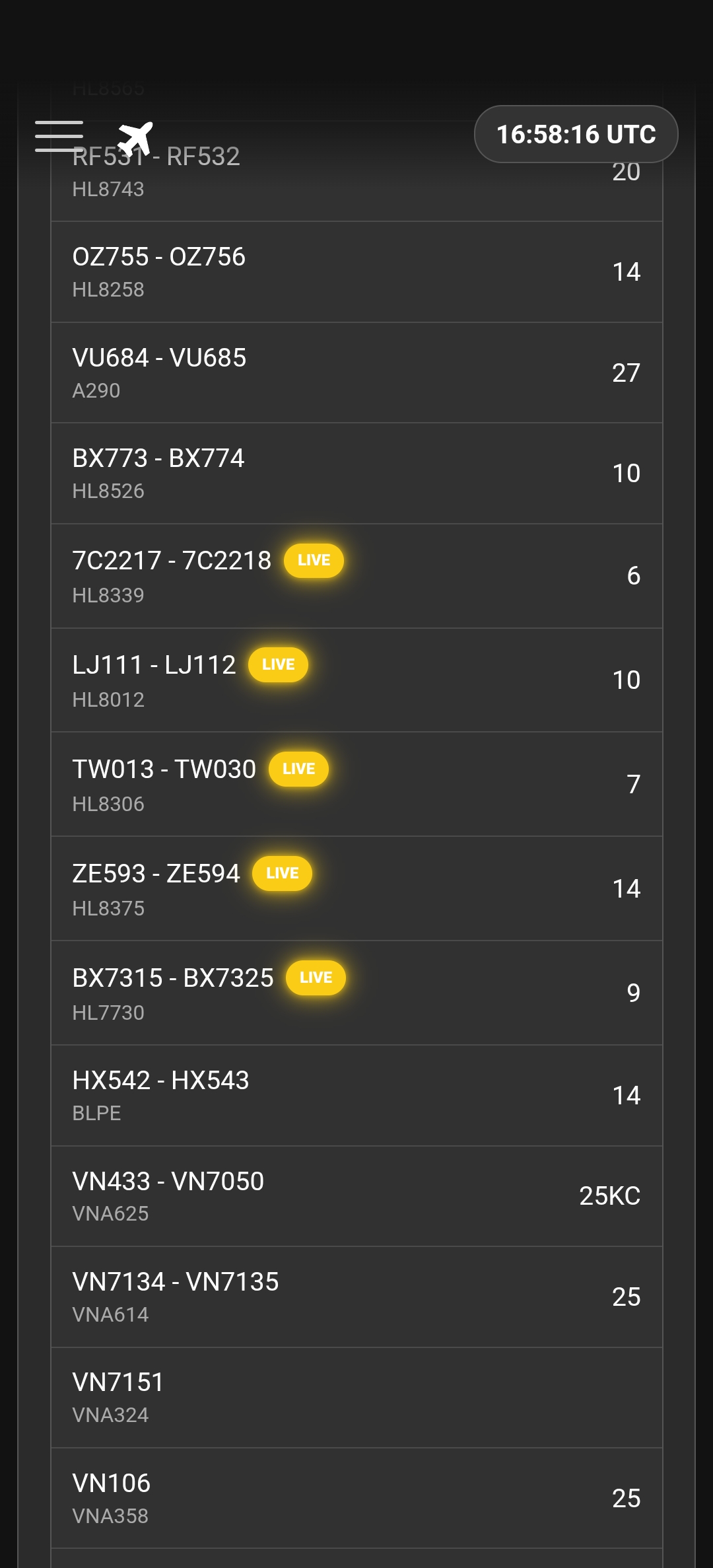
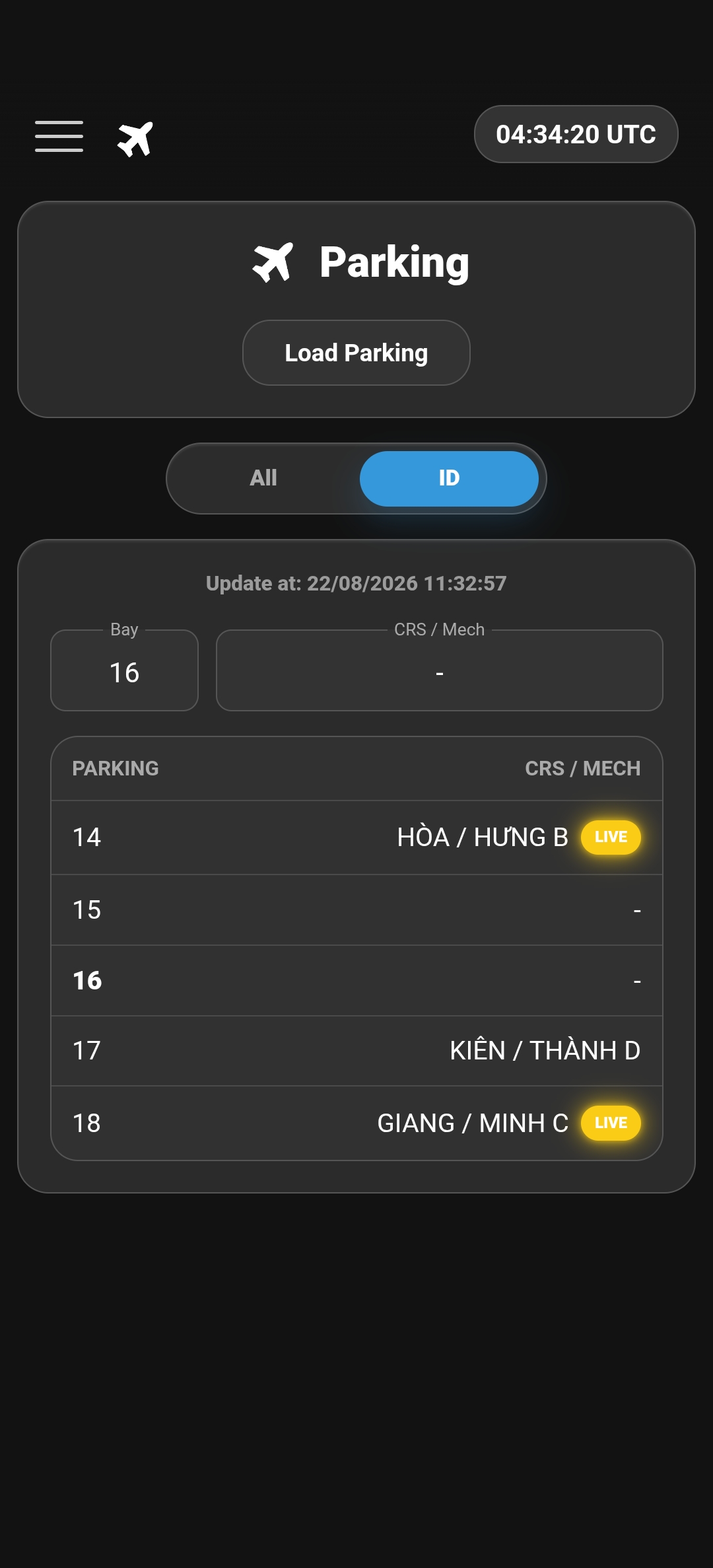
VAECO Hub brings together flight, aircraft, timing and bay information from VIAGS, SAGS, FIMS and AODB, giving technical teams one consistent view for daily operations.
Source systems
One consistent operational picture
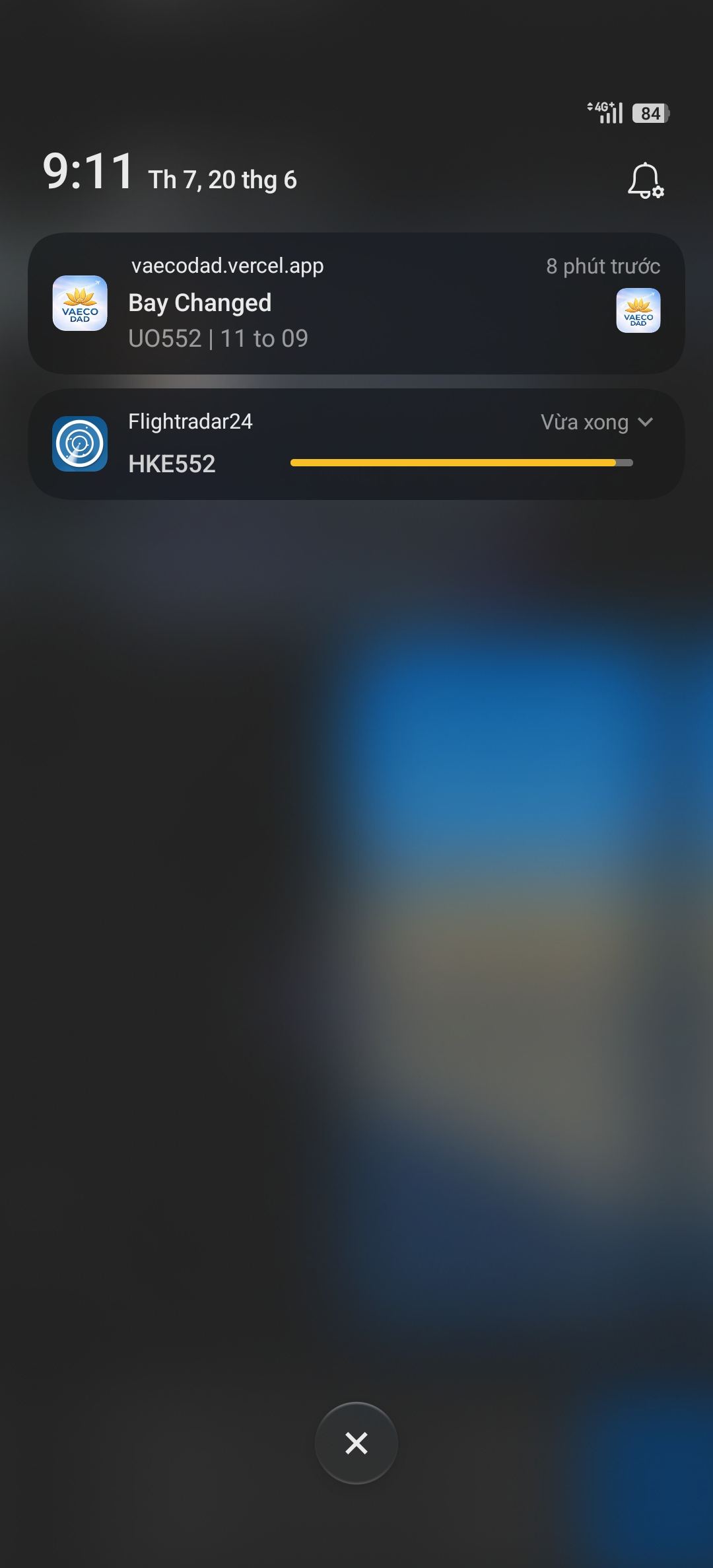
Receive push notifications for new flight and work order assignments, bay changes and live flight status, then open the relevant Flight Plan directly.
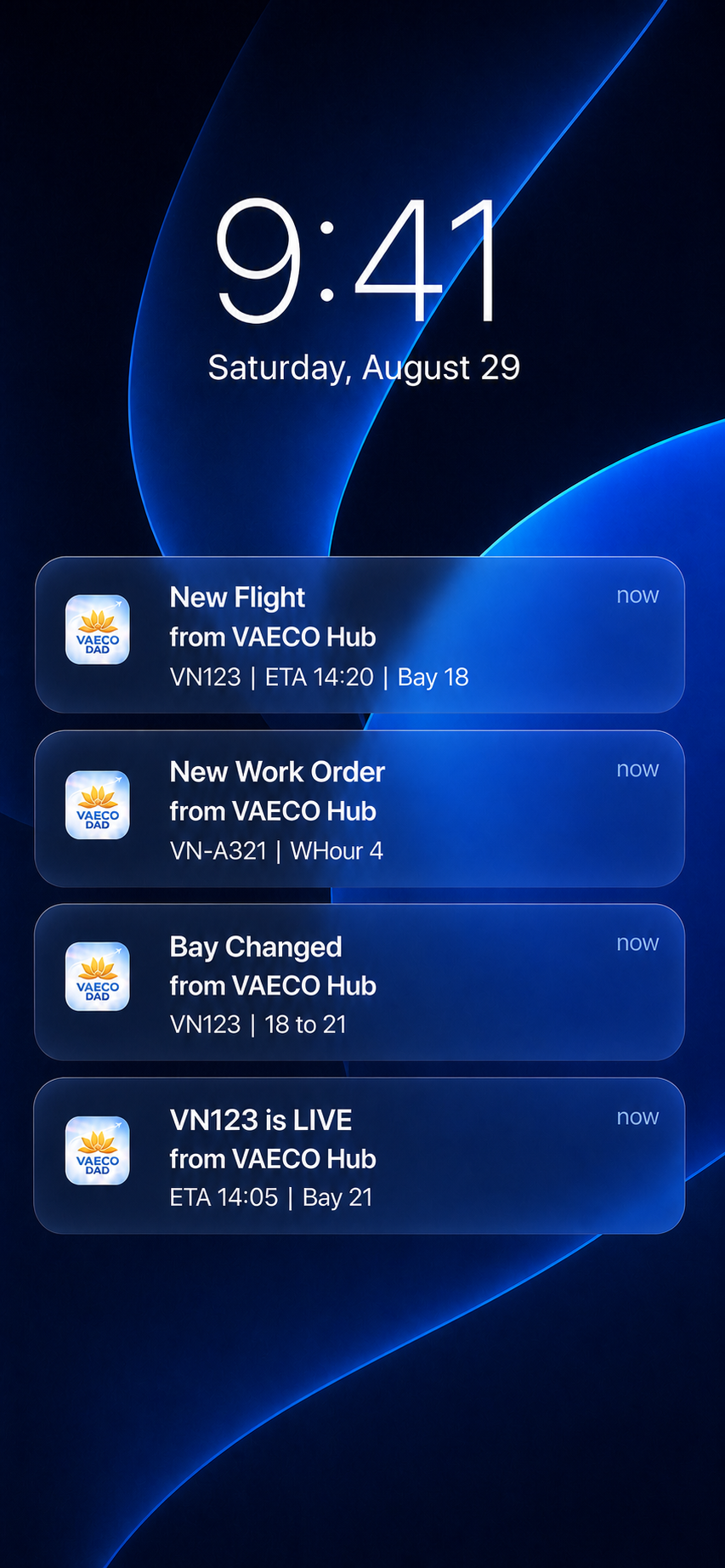
See the flight, ETA and bay context as soon as a new assignment reaches your plan.
Receive the aircraft registration and work-hour details for each newly assigned work order.
Know which flight changed and move from the previous bay to the updated assignment.
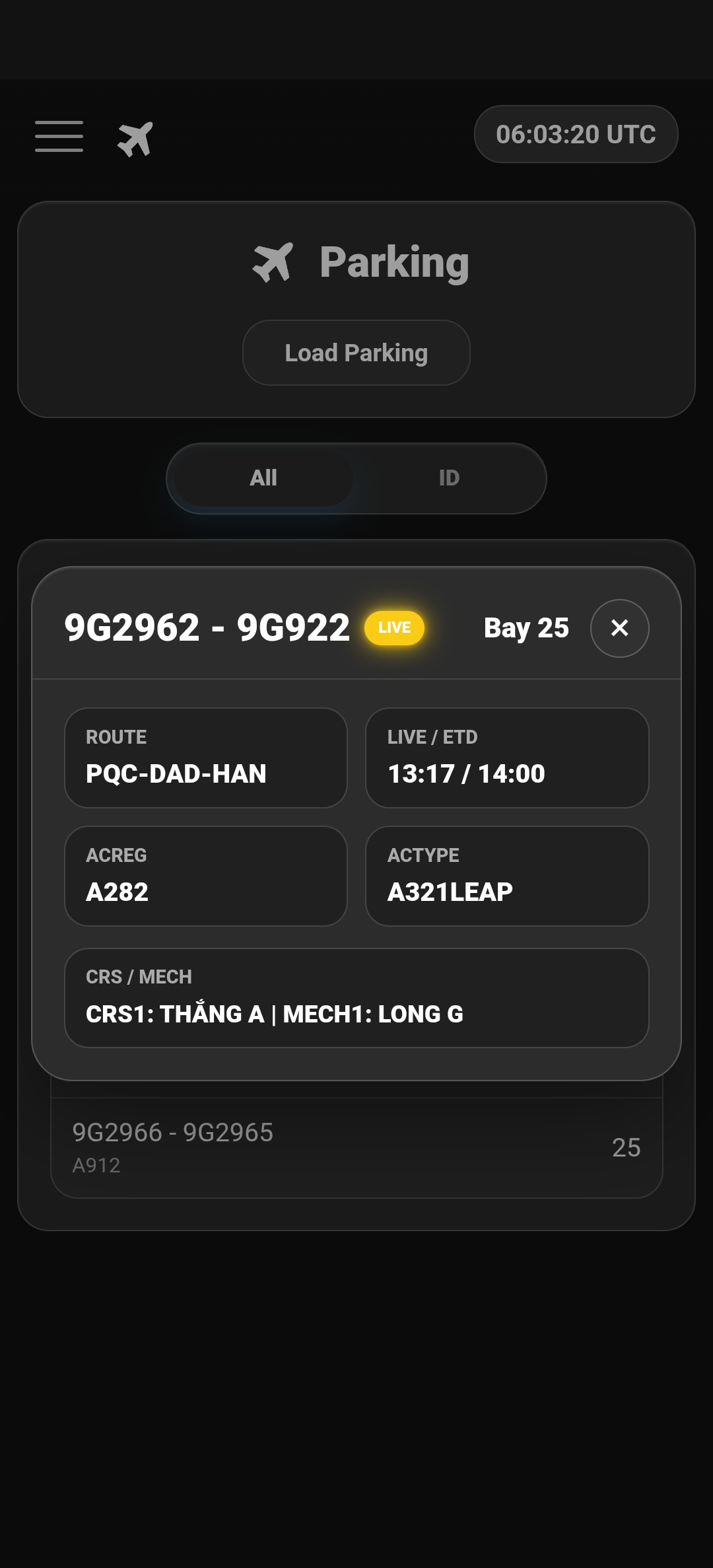
Get the latest ETA and bay context when an assigned flight becomes LIVE in FlightRadar24.
Start with the right flight, fuel and shift context.
Keep teams aligned with shared operational information.
Reach the technical reference or checklist needed to close the task.
Move between phone, tablet and desktop browsers with the same familiar tools, navigation and operational workflow.

Open the official VAECO Hub install page and add the app to your device.
Download